Solved
3D Curve
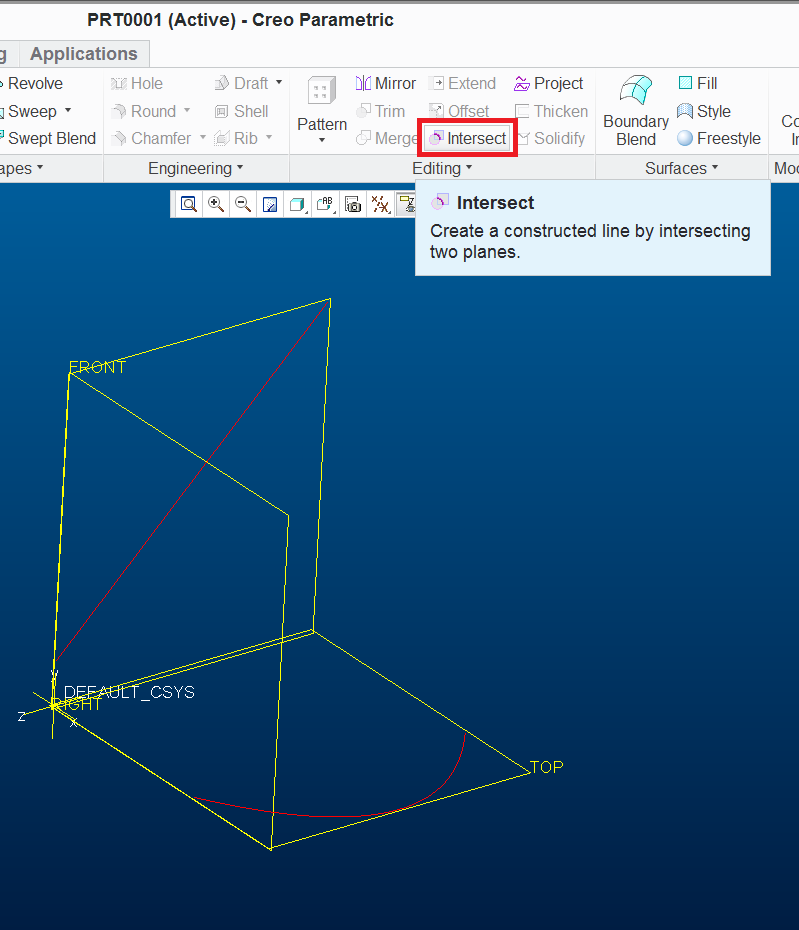
I am struggling to find how to create a 3D curve in Creo 2.
I remember the feature where you would sketch a curve on two perpendicular planes then you where able to use those sketches to create a 3D curve.
Does anyone else remember this feature or has this now been taken away from Creo or just renamed to something completley different?
This thread is inactive and closed by the PTC Community Management Team. If you would like to provide a reply and re-open this thread, please notify the moderator and reference the thread. You may also use "Start a topic" button to ask a new question. Please be sure to include what version of the PTC product you are using so another community member knowledgeable about your version may be able to assist.