

1-Visitor
March 12, 2015
Solved

can create general view for different parts in single drafting sheet
  • March 12, 2015
  • 5 replies
  • 1860 views

Untitled.pngHello,

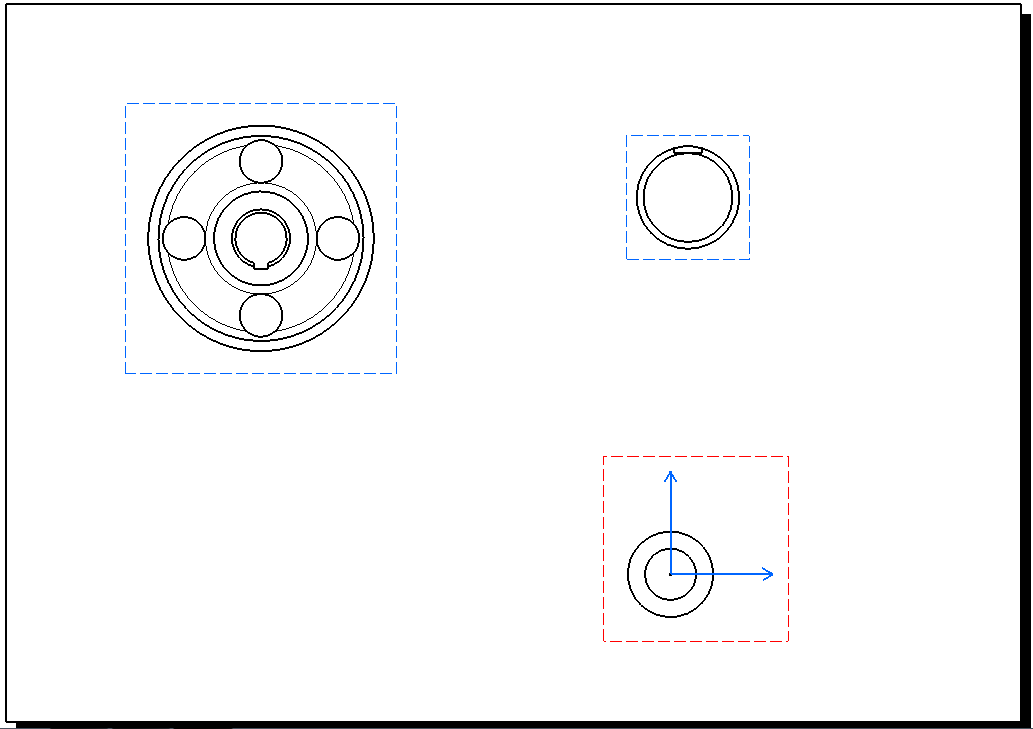
i am new for creo, previously i am work in catia V5, in catia we can create any number of general view for different parts, but i can't create general view for different parts in pro-E. is it possible in creo.


This thread is inactive and closed by the PTC Community Management Team. If you would like to provide a reply and re-open this thread, please notify the moderator and reference the thread. You may also use "Start a topic" button to ask a new question. Please be sure to include what version of the PTC product you are using so another community member knowledgeable about your version may be able to assist.
Best answer by TomD.inPDX

To add to that, yes, you can have multiple models in drawings.

You activate the model you wish the next view to show.

This is done in the tree header dialog on the bottom tree (model tree).

Be careful as each model will have its own unique scale setting.

5 replies

Mahesh_Sharma
22-Sapphire I
March 12, 2015

Prabaharan,

You can add multiple models to drawing and create views.

In drawing add models using Layout > Drawing Models > Add Model > Add required model > Done/return. Insert a general view for model.

17-Peridot
March 12, 2015

To add to that, yes, you can have multiple models in drawings.

You activate the model you wish the next view to show.

This is done in the tree header dialog on the bottom tree (model tree).

Be careful as each model will have its own unique scale setting.

Mahesh_Sharma
22-Sapphire I
March 26, 2015

Prabaharan,

Does any of the reply in this post answer your query?

pjaguar1-VisitorAuthor
1-Visitor
March 27, 2015

I have only pro-E wildfire V4 is it possible in it...

Mahesh_Sharma
22-Sapphire I
March 27, 2015

It is possible in Wildfire 4.0, menus are as:

1. File > Properties > Drawing models > Add models > Select required model > Open > Done/Return