1-Visitor
November 19, 2014
Solved

Cannot Unbend or Create Flat Pattern

  • November 19, 2014
  • 1 reply
  • 3280 views

Help please! This model will not flat pattern or unbend. All radii seem to be constant and the part is fairly basic. Can anyone see what the problem is? I'm in creo elements/pro 5.0


This thread is inactive and closed by the PTC Community Management Team. If you would like to provide a reply and re-open this thread, please notify the moderator and reference the thread. You may also use "Start a topic" button to ask a new question. Please be sure to include what version of the PTC product you are using so another community member knowledgeable about your version may be able to assist.
Best answer by magnus.salomons

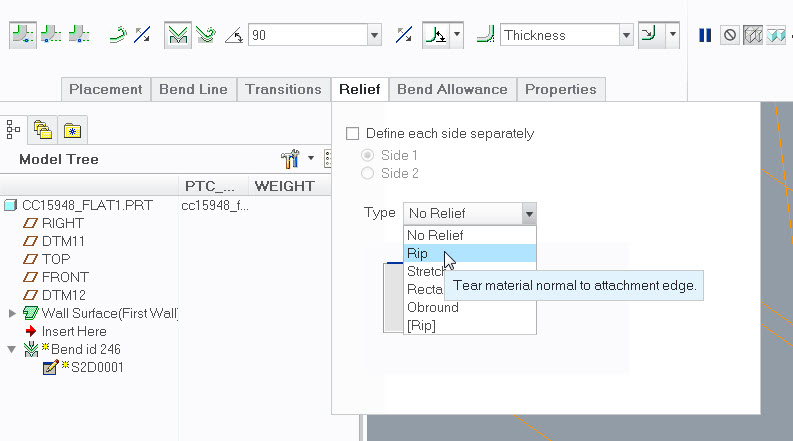
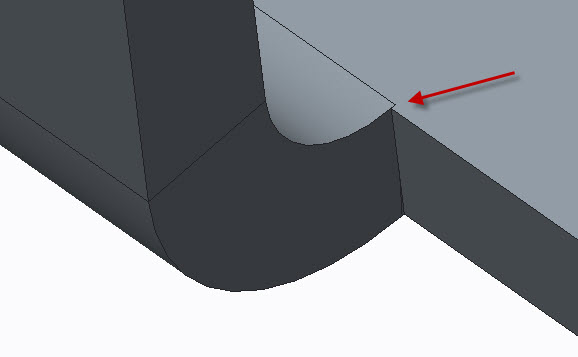
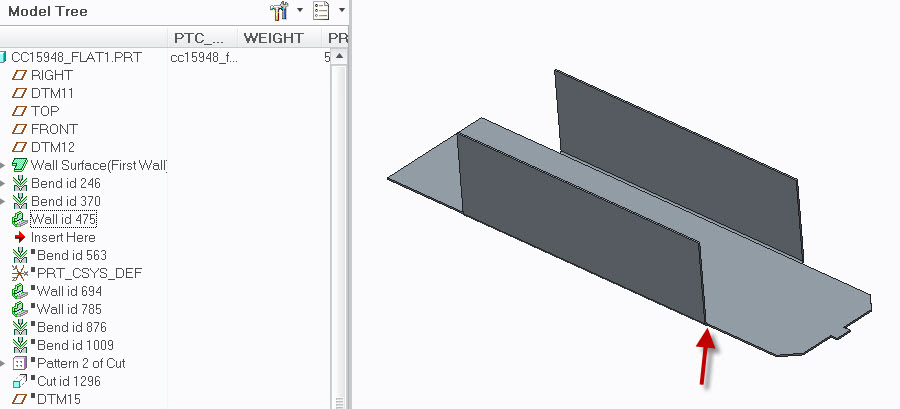
The problem is in your first two Bend features. The radius cuts slightly into the main bottom surface. You can either adjust the distance or create a Rip inside the Bend features.

I'm on Creo Parametric 2.0 so can only provide screenshot from this release. Note Form features are suppressed due to missing reference models.

cc15948+pic+1.jpg

cc15948+pic+2.jpg

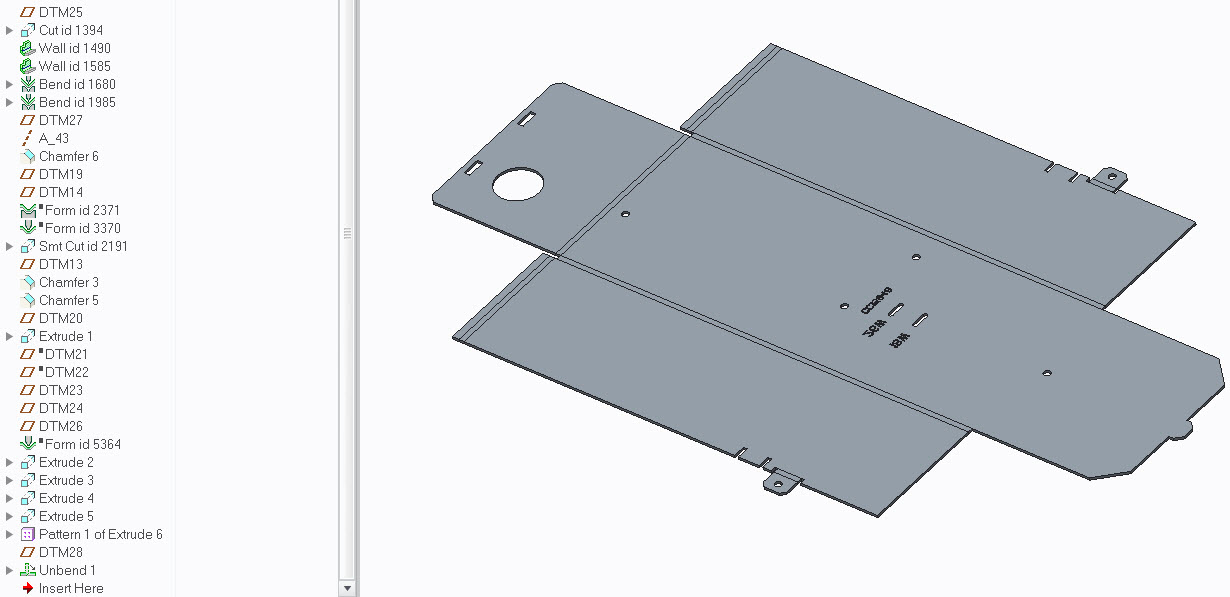
cc15948+pic+3.jpg

cc15948+pic+4.jpg

1 reply

15-Moonstone
November 20, 2014

The problem is in your first two Bend features. The radius cuts slightly into the main bottom surface. You can either adjust the distance or create a Rip inside the Bend features.

I'm on Creo Parametric 2.0 so can only provide screenshot from this release. Note Form features are suppressed due to missing reference models.

cc15948+pic+1.jpg

cc15948+pic+2.jpg

cc15948+pic+3.jpg

cc15948+pic+4.jpg

1-Visitor
November 20, 2014

Thank you much!

17-Peridot
November 20, 2014

Your part is actually set to the default relative accuracy of .0012. Changing this to absolute at .0005 will also resolve your model.

Have a look at this discussion: http://communities.ptc.com/message/260507#260507