Solved
Creating Centermarks on drawings for slotted holes
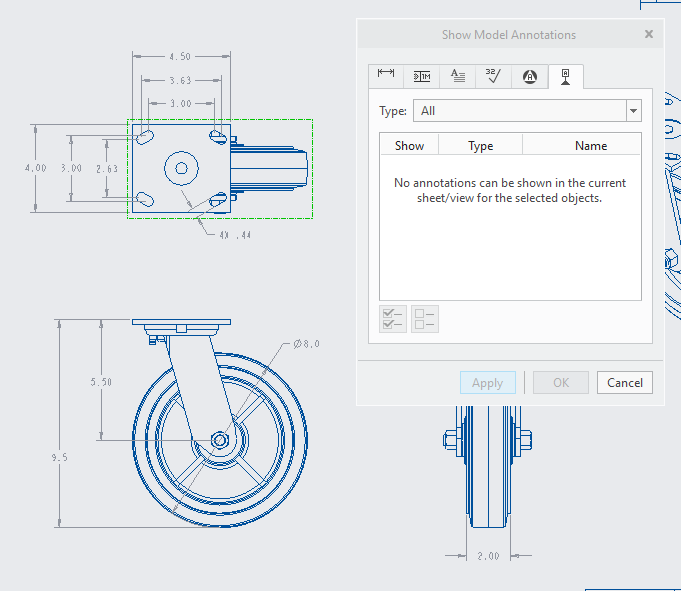
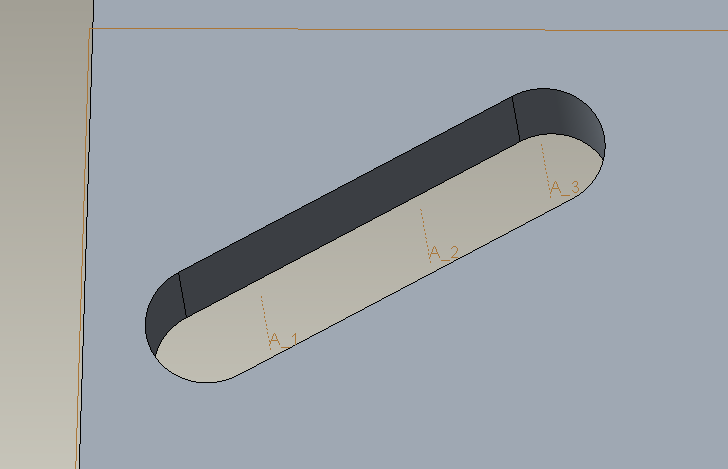
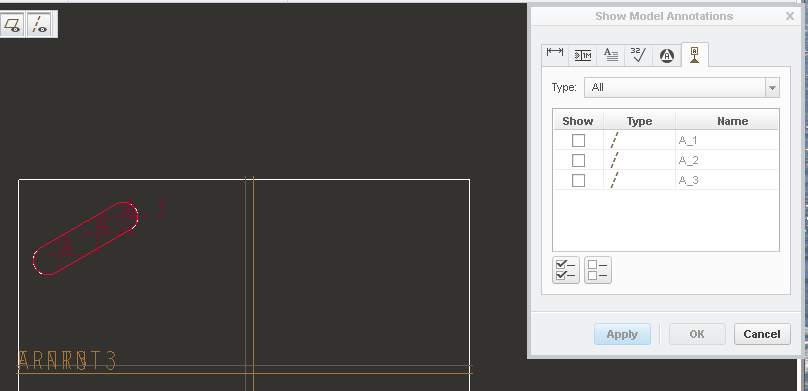
I want to add center-marks for each radius of the four slotted holes in the image below. Additonally I want to add a a centerline in the middle of the top mounting plate and a centermark on the wheel, so I can dimension the offset between the center of the mounting plate and the center of the wheel. For some reason the centerline options don't appear in Show Model Annotations. In the extrude sketch, I added in geometry points in the center, hoping they would create an axis which can be viewed in drawing mode and used as a centerline. Is there any other way to get centerlines to show up?