1-Visitor
March 6, 2017
Solved

Créo 2 - Cotation/Dimension - orientation du texte

  • March 6, 2017
  • 9 replies
  • 3543 views

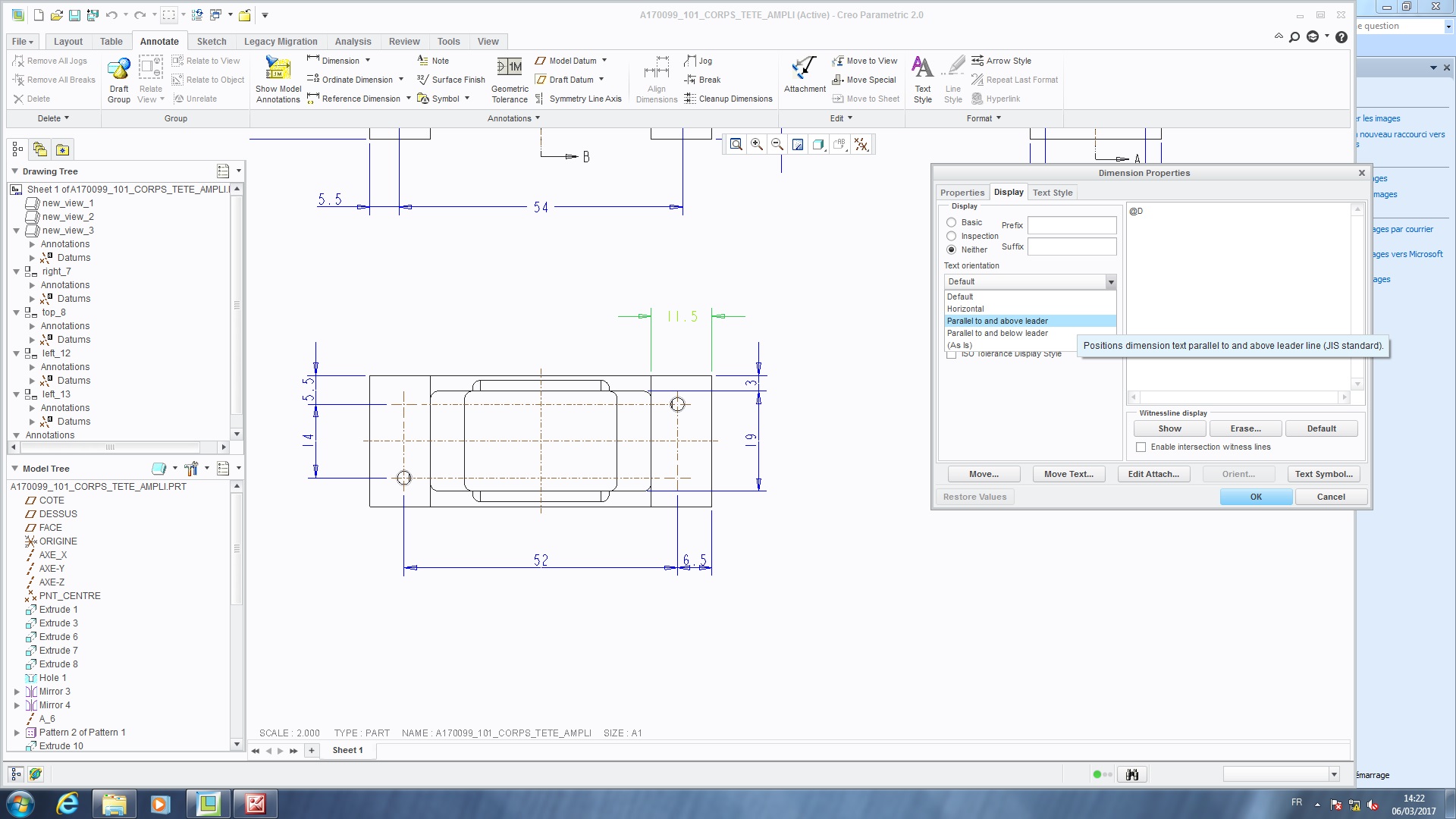
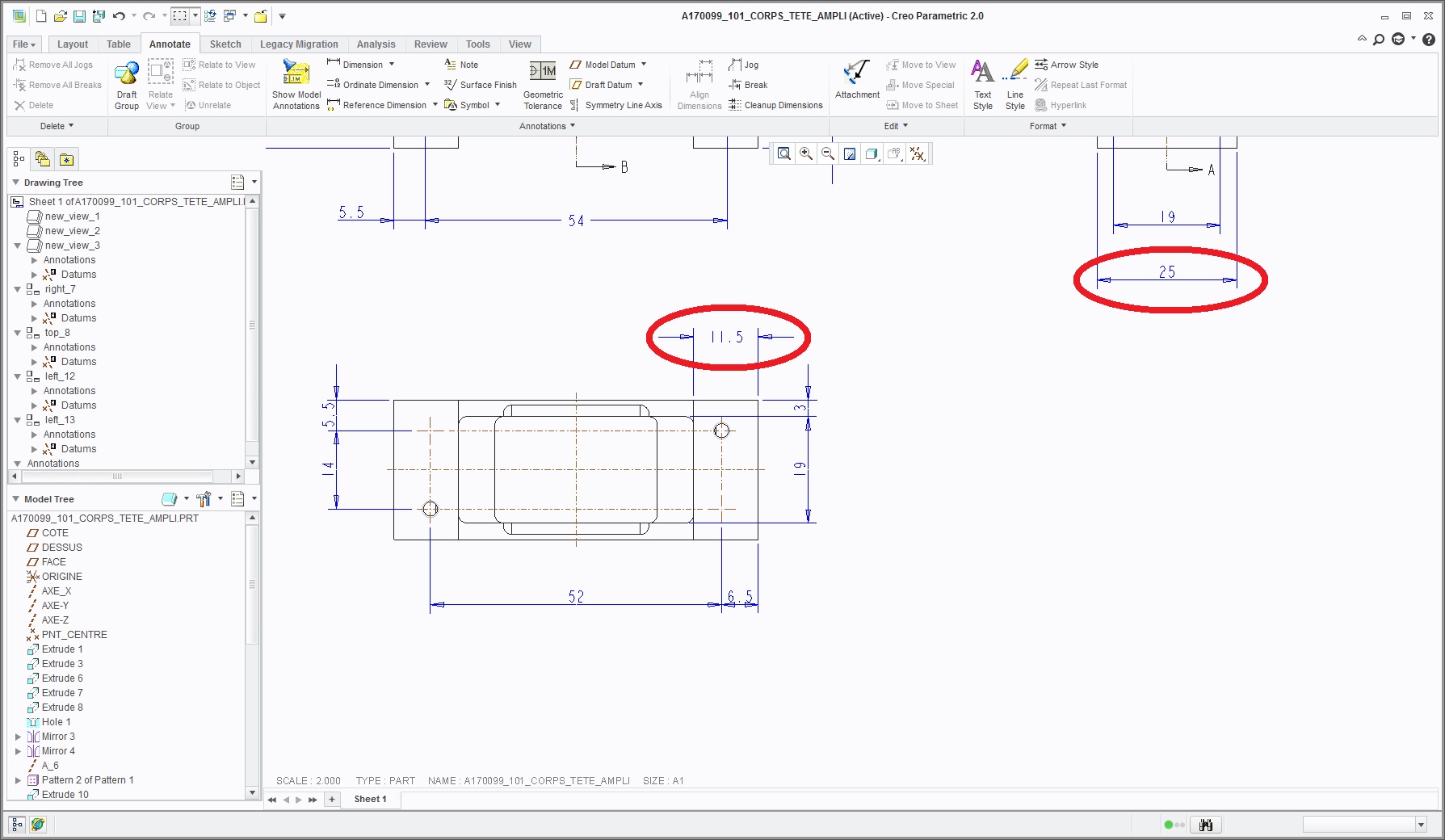
Hello, I would like to kwow how can i modify the CONFIG.PRO ----> to put dimension with text  "parallel to and above leader"  ??

Thank you.

Fabrice...
-

cot1.jpg

cot2.jpg

Best answer by RaphMORIN

Bonjour,

Voici ce que j'ai :

9 replies

RaphMORIN16-PearlAnswer
16-Pearl
March 6, 2017

Bonjour,

Voici ce que j'ai :

Dale_Rosema
23-Emerald IV
March 6, 2017

See if this post helps:

Re: How can I change how dimension lines appear?

Thanks,

Dale

24-Ruby III
March 6, 2017

Hi,

this property is not set directly in config.pro. It is set in drawing setup file. config.pro contains drawing_setup_file option which points to drawing setup file.

MH

1-Visitor
March 6, 2017

Hi and thank you Martin.

I copy the original file ( prodetail.dtl ) but sorry i don't know how i can edit it ....

24-Ruby III
March 6, 2017

Hi,

if you have prodetail.dtl file, you can edit it in Notepad/Notepad++//Wordpad. Then in config.pro define drawing_setup_file option which points to prodetail.dtl (enter full path to file). In this situation when you create new drawing, Creo copies the contents of prodetail.dtl file into the drawing. Later if you want to change settings in existing drawing, you click File > Prepare > Drawing Properties and then in Detail Options you click change and modify what you want.

MH

1-Visitor
March 9, 2017

Bonjour Raphaël,

peux tu m'envoyer ton fichier prodetail.dtl   ???

merci.

Fabrice

16-Pearl
March 9, 2017

Bonjour Fabrice,

Ci-joint mon fichier dtl "standard"

1-Visitor
March 14, 2017

ok. merci bien.