


Question
Creo 3 AutoGEM summary - colors
Hello All,
I recently switched to Creo 3 and when I run the AutoGEM mesher, the summary now has red elements along with the standard green. I've search help but can't seem to find an answer or I don't have access to the content. Could someone explain what the significance of the red is? It appears that red only occurs on tri elements and the green is on quad elements so I'm thinking it might be to discern between different elements types but I would like to verify that assumption. 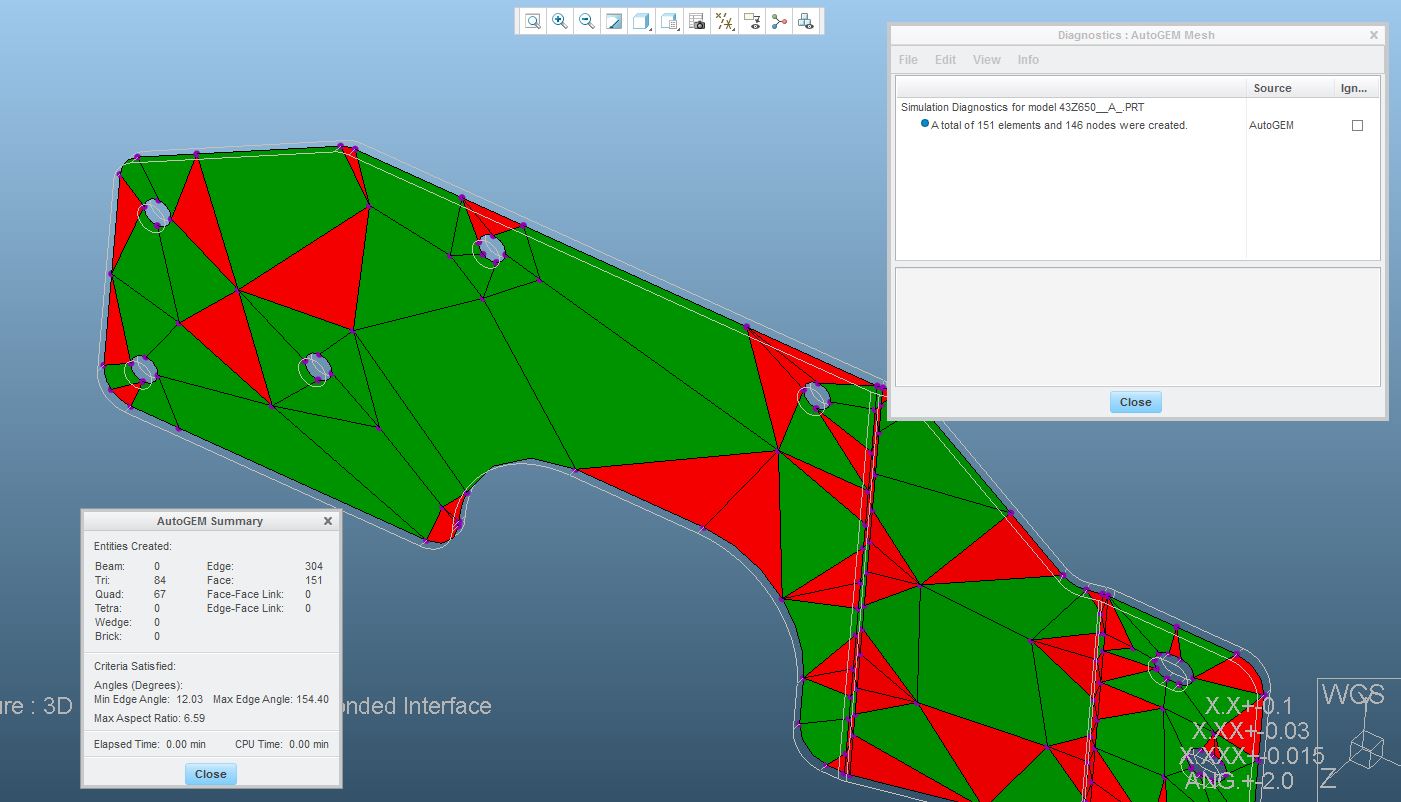
This thread is inactive and closed by the PTC Community Management Team. If you would like to provide a reply and re-open this thread, please notify the moderator and reference the thread. You may also use "Start a topic" button to ask a new question. Please be sure to include what version of the PTC product you are using so another community member knowledgeable about your version may be able to assist.