Solved
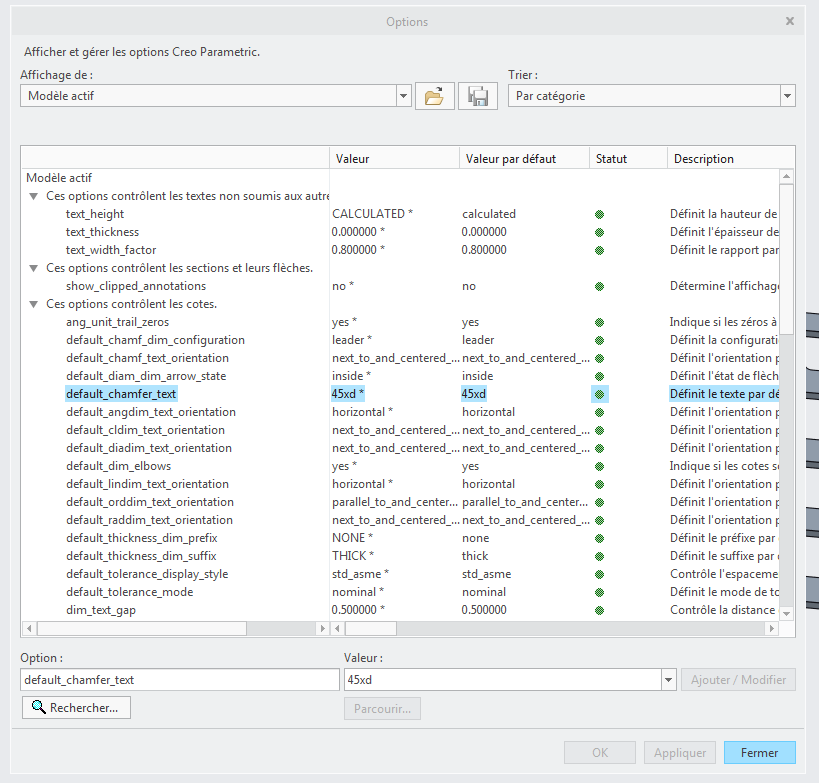
Default chamfer/countersink callout
When I choose a chamfer or countersink callout from model annotations, it currently defaults to ANGLE X DISTANCE. How would I reverse that to say DISTANCE X ANGLE?

No account yet? Create an account
Enter your E-mail address. We'll send you an e-mail with instructions to reset your password.