Solved
Directly copying sketch from one datum plane to another
I am more or less brand new to creo so this is probably super easy.
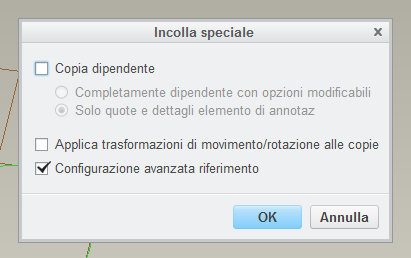
I am trying to copy/paste a sketch directly into place onto 2 offset X datum planes, however I am having a hard time getting them exactly into place. I have tried using an axis for reference but I cannot seem to make it work!
Important note, I need to be able to edit one of them, which I believe is not possible with patterning?
This thread is inactive and closed by the PTC Community Management Team. If you would like to provide a reply and re-open this thread, please notify the moderator and reference the thread. You may also use "Start a topic" button to ask a new question. Please be sure to include what version of the PTC product you are using so another community member knowledgeable about your version may be able to assist.