Solved
"edit" available in component right-click menu
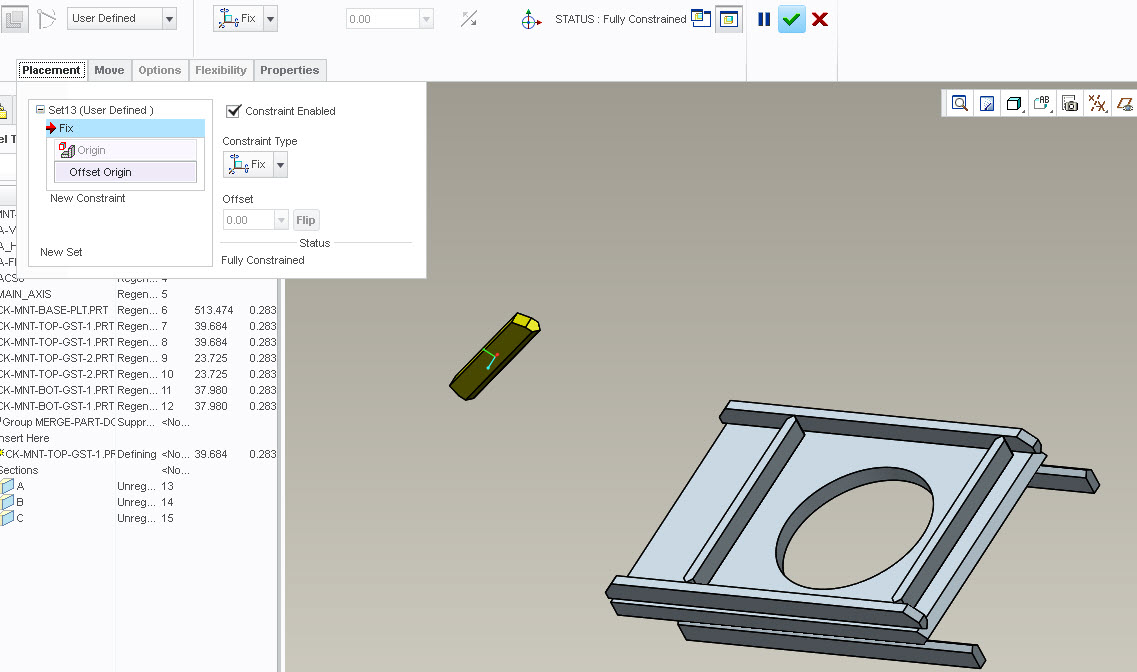
I know I've done this before but I can't remember how I did it. I even have a part assembled in this way but I can't seem to re-create it.
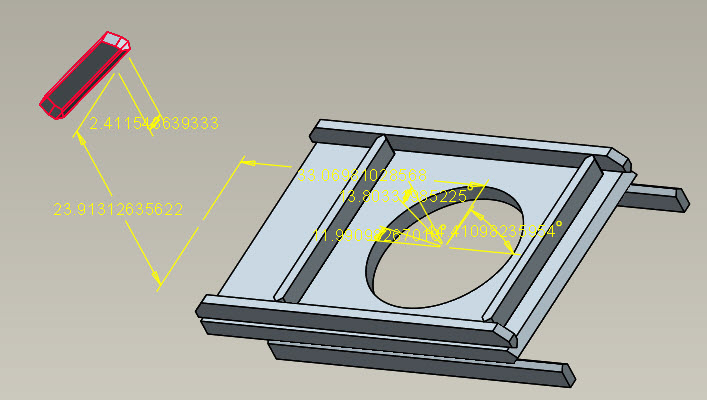
I have an assembly with some small parts in it that I want to be able to move around freely (translate and rotate). On the compenent that was assembled a while back, I can right click on the component and there is "edit" (right above "edit definition") and when I click that I can update x, y, z directions and x, y, z angles. But when I assemble another component (same exact part), I don't get the "edit" option in the right-click menu.
What am I missing?
This thread is inactive and closed by the PTC Community Management Team. If you would like to provide a reply and re-open this thread, please notify the moderator and reference the thread. You may also use "Start a topic" button to ask a new question. Please be sure to include what version of the PTC product you are using so another community member knowledgeable about your version may be able to assist.