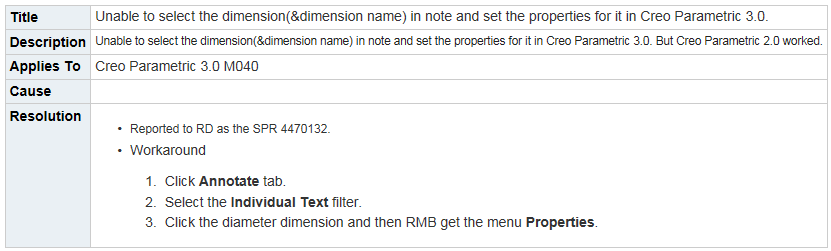
Editing a Dimension embedded in note or table on a drawing.
Creo 3.0 M030.
I am trying to edit a dimension on a drawing that is embedded in a note (or table). In Creo 2.0 if you picked the note once, then picked the dimension inside the not to highlight it, you were able to then RMB and select properties where a dialog box would come up and I could edit all the dimension properties. The ones we change most often were the decimal places and changing the dual dimension to be form top/bottom to read left/right (or side by side). Well inside Creo 3.0 with the new text editing, you do not get the option to go to the properties either by highlighting and RMB or double clicking. Nothing gives the option to change these items as before. Does anyone know how we can change these dimension in this manner without removing them from the note, making the changes in the original dimension position and then adding it back into the note.
An example note would be "Move this plate down &d10 before welding". And what we would like to change as we did in all prior versions is the &d10 while editing at the note location. Hope this all makes sense to everyone.
Thanks,
Shane V.