Solved
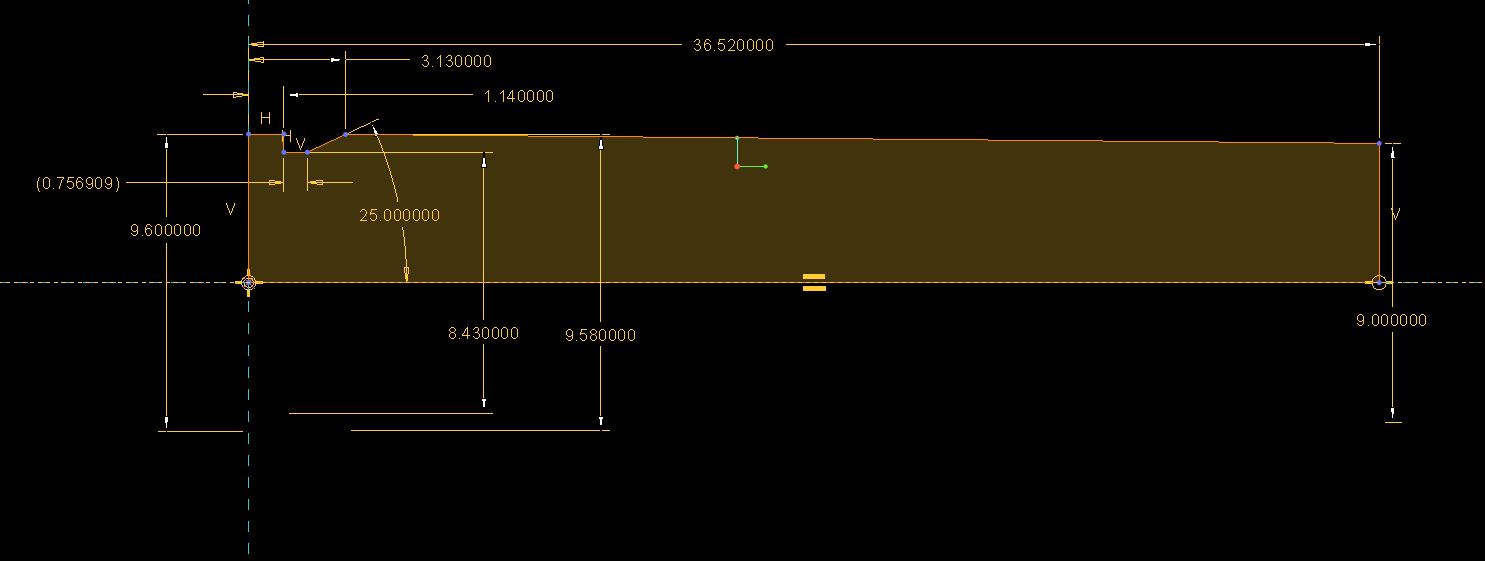
How can I distance a circle from the surface I am putting it on?
I am quite new to creo parametric 2.0, and I am making a 5.56mm bullet case. However, to make the rim, I am making a circle for the extractor to hold onto. However, when I use the "Normal" dimension tool, I can't create a dimension to distance it from the surface I am creating the circle on, it just comes up with the dimensions of the circle itself, I don't want that. Can any experts help me here?
This thread is inactive and closed by the PTC Community Management Team. If you would like to provide a reply and re-open this thread, please notify the moderator and reference the thread. You may also use "Start a topic" button to ask a new question. Please be sure to include what version of the PTC product you are using so another community member knowledgeable about your version may be able to assist.