Solved
How do I eliminate a threaded hole in a step file part?
- October 14, 2015
- 2 replies
- 2458 views
How do I eliminate a threaded hole in a step file part?
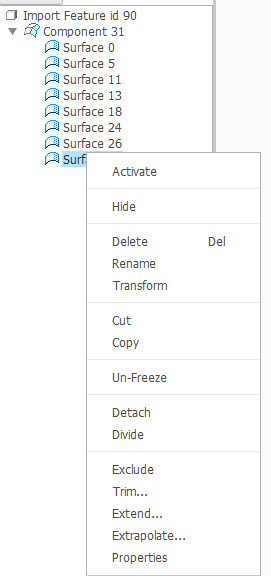
This is giving me a hard time. I tried to modify an assembly part that was send in .stp, but when I tried to cut it, the hole remained (see picture attached) and when I tried to eliminate it directly, it erased the part. The threaded hole interacts with the rest of the part as a whole package.
Please give me a hand.
Regards
This thread is inactive and closed by the PTC Community Management Team. If you would like to provide a reply and re-open this thread, please notify the moderator and reference the thread. You may also use "Start a topic" button to ask a new question. Please be sure to include what version of the PTC product you are using so another community member knowledgeable about your version may be able to assist.