

Solved
How to create diameter dimension with one click left mouse and then middle mouse in drawing ?
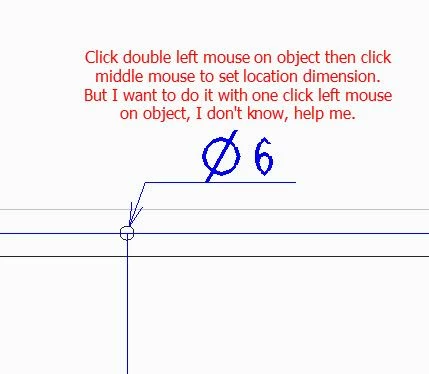
But I want to do it with one click left mouse on object, I don't know, help me.
Thank you so much !

But I want to do it with one click left mouse on object, I don't know, help me.
Thank you so much !
There is no single click method for a diameter dimensions.
Single left click and then middle to place is for radius dimensions.
Double left click and then middle to place is for diamter dimensions.
No account yet? Create an account
Enter your E-mail address. We'll send you an e-mail with instructions to reset your password.