


Solved
How to route multilevel cables in 3D
Hi!
I can't route wires in 3D jet (see my other discussions), but I can route cables. So now I'm trying to get it work properly. I've tried to route a multilevel cable (I've used the one from the sample catalog, for a test), and Creo can't display the outer insulation, of it. As shown on picture, it cant find routing points, but it doesn't allow me to define routing points either. How is it possible, to route it correctly?
The design:
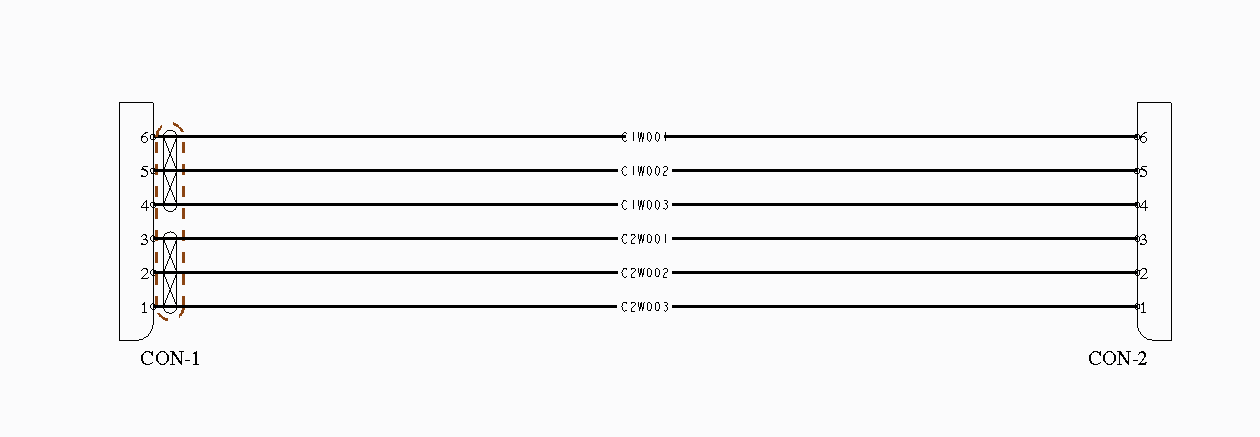
The 3D:
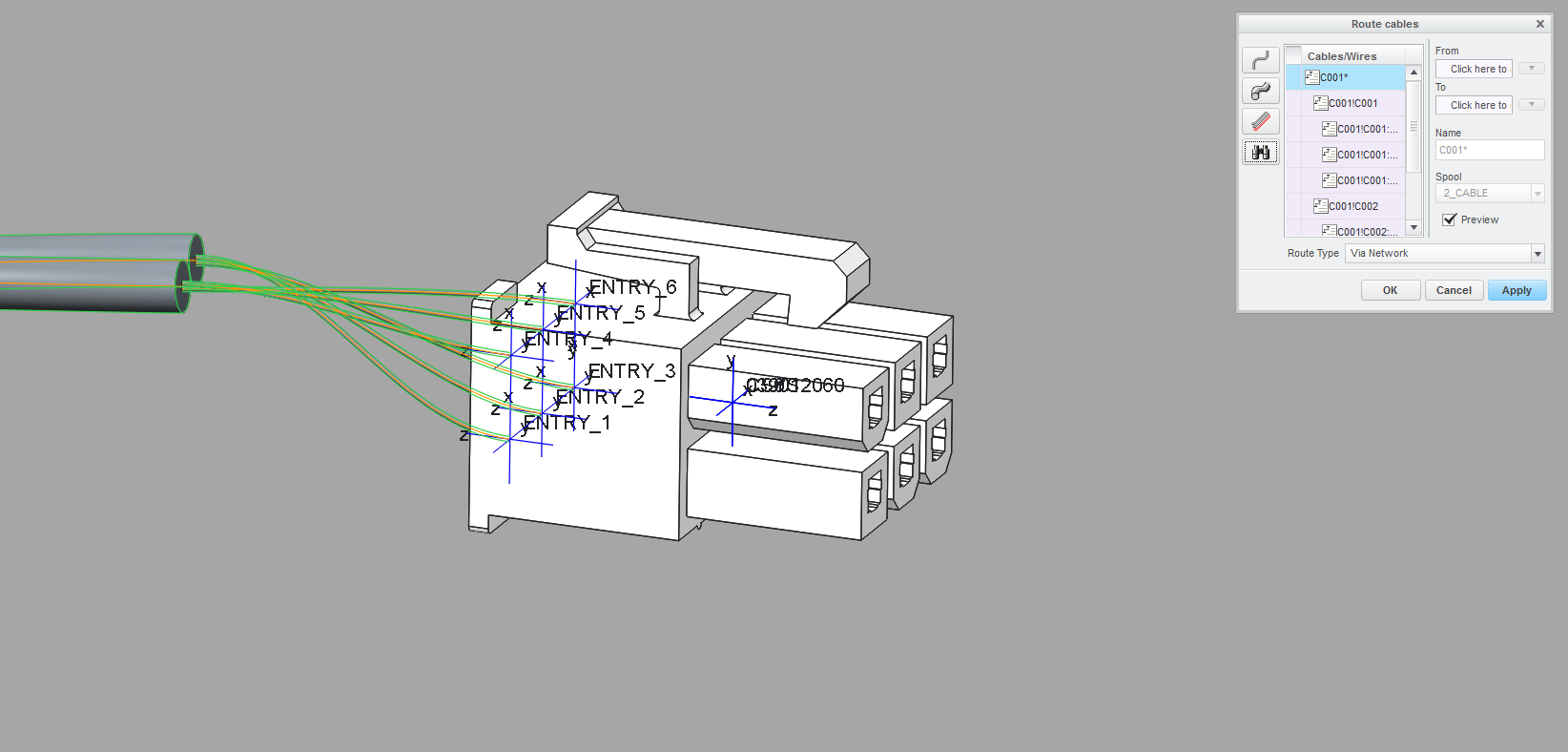
As you can see, it only shows the two inner cables.
Lac
This thread is inactive and closed by the PTC Community Management Team. If you would like to provide a reply and re-open this thread, please notify the moderator and reference the thread. You may also use "Start a topic" button to ask a new question. Please be sure to include what version of the PTC product you are using so another community member knowledgeable about your version may be able to assist.