Solved
Invert the weld note in 3D
Hi all,
My problem is only in the visualization of the 3D notes within the weld environment.
I've setted the view plane and the orientation of te text in the
View -> Annotation orientation
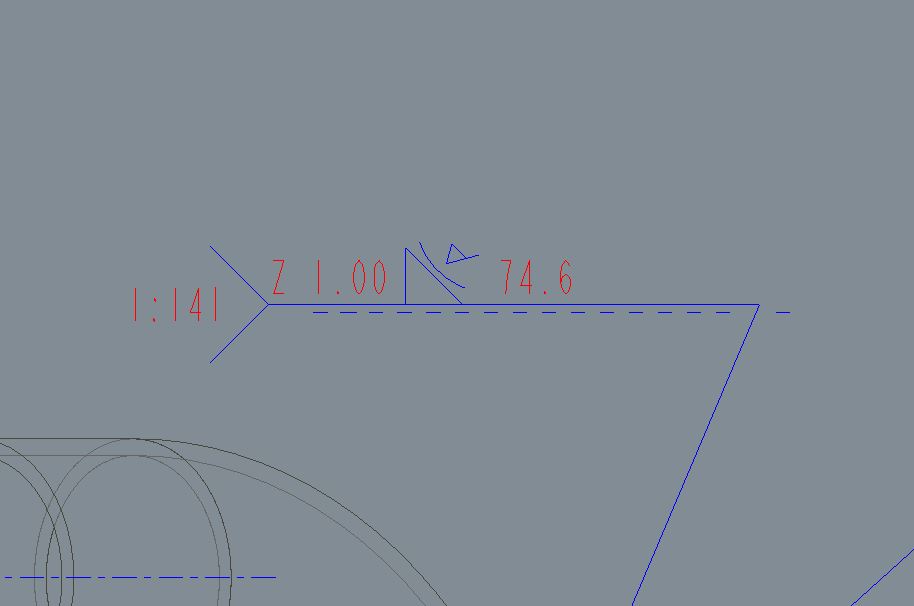
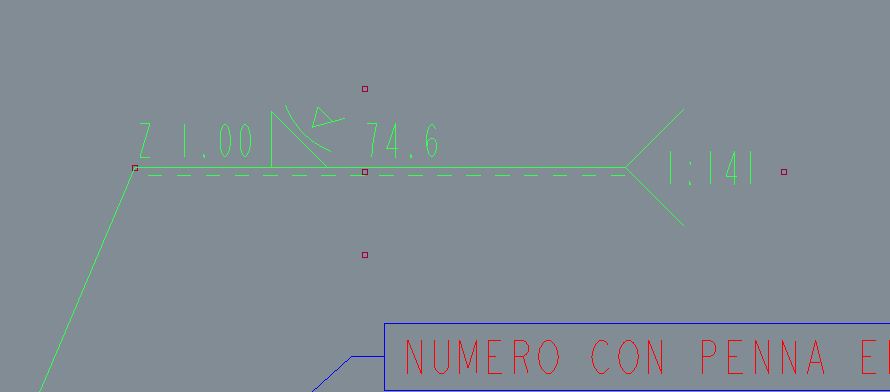
When I make a weld, sometime the foot of the arrow is on the right side, sometime not; and then I'm not able to invert the side of the text.
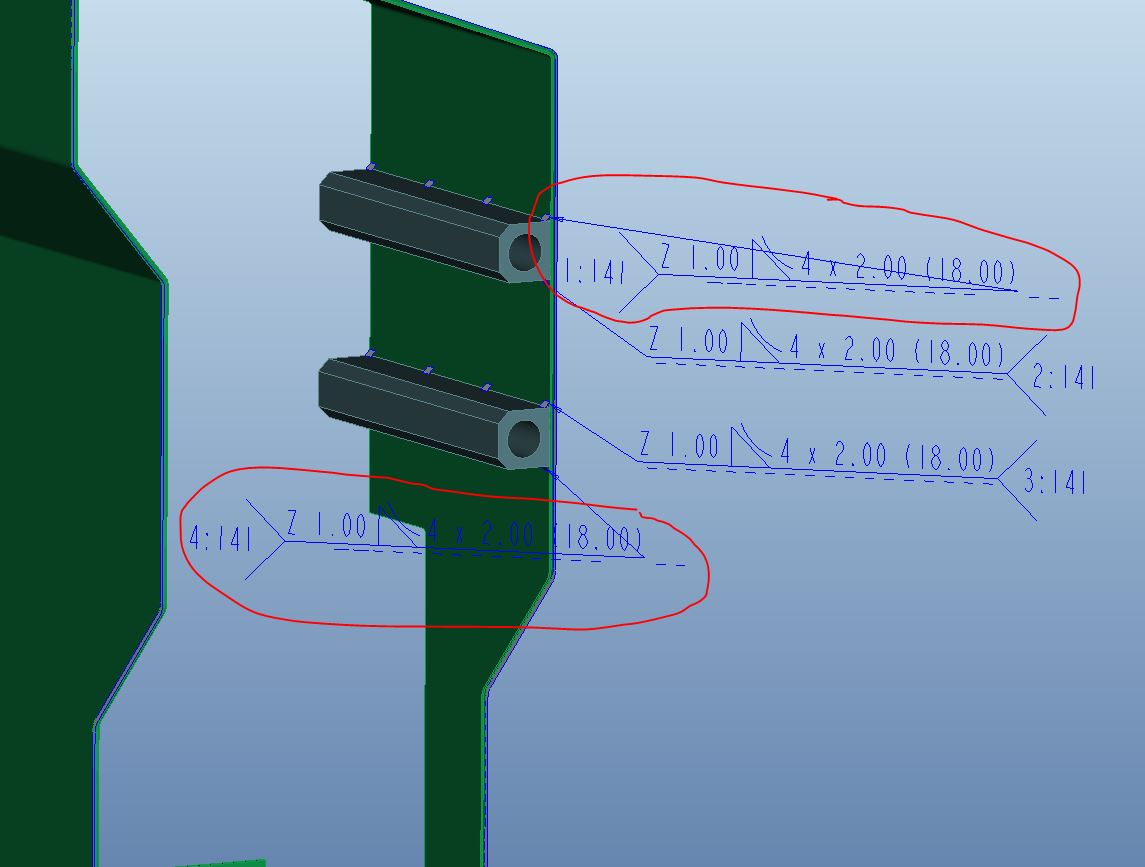
How can I do?
Thanks
This thread is inactive and closed by the PTC Community Management Team. If you would like to provide a reply and re-open this thread, please notify the moderator and reference the thread. You may also use "Start a topic" button to ask a new question. Please be sure to include what version of the PTC product you are using so another community member knowledgeable about your version may be able to assist.