1-Visitor
September 9, 2015
Solved

Meshing sectioning and details

  • September 9, 2015
  • 3 replies
  • 1857 views

Hi!

Just I wish to Review the elements type and size detail that CREO 2.0 Academic Edition has created and applied AutoGEM controls in the process of meshing. I could see the whole model but I have several parts inside the assembly of great interest (and I can´t view because are hidden by others parts). So I wish to see those internal parts and also to cut and see inside the different parts.

It seem simple but when I hide same parts disappears the mesh and if I section the model also.

Thanks for you help.


This thread is inactive and closed by the PTC Community Management Team. If you would like to provide a reply and re-open this thread, please notify the moderator and reference the thread. You may also use "Start a topic" button to ask a new question. Please be sure to include what version of the PTC product you are using so another community member knowledgeable about your version may be able to assist.
Best answer by mlindqvist

If I understand your question correctly, you want to look at the mesh of a specific part (hidden by other parts) before you run the analysis?

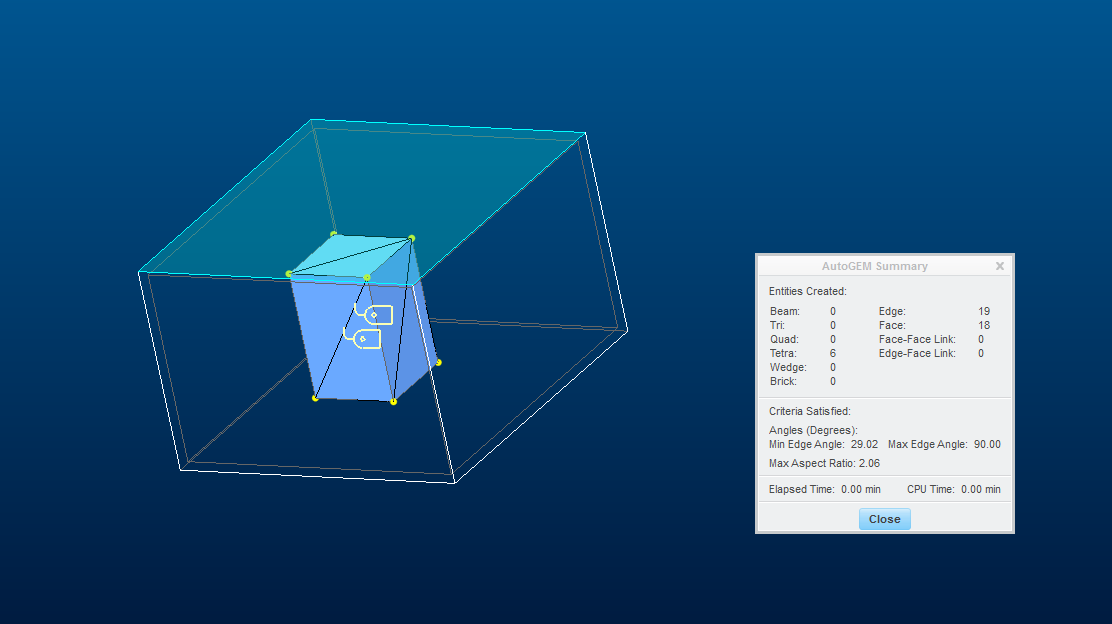
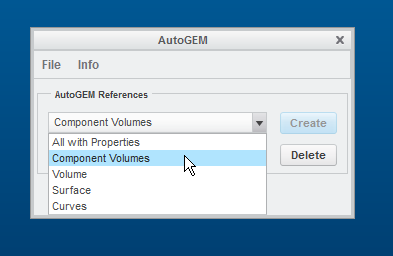
The way I wowuld do that is to mesh the inner part first, without meshing the outer part. When you use the AutoGem commant, do not mesh "All with properties". Instead, choose the option "Component volumes". Then pick the inner volume and mesh it. The result should look something like this:

Capture0.PNG

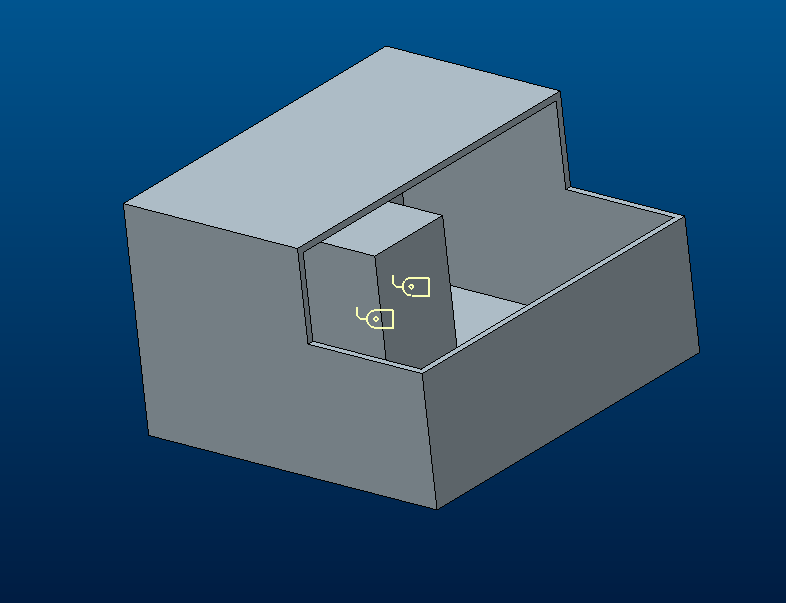
Capture1.PNG

The inner block is entirely inside the larger hollow cube. 

As far as I know, it is not possible to create a "section" to cut the mesh of the outer part, so that you can see what's inside the outer one.

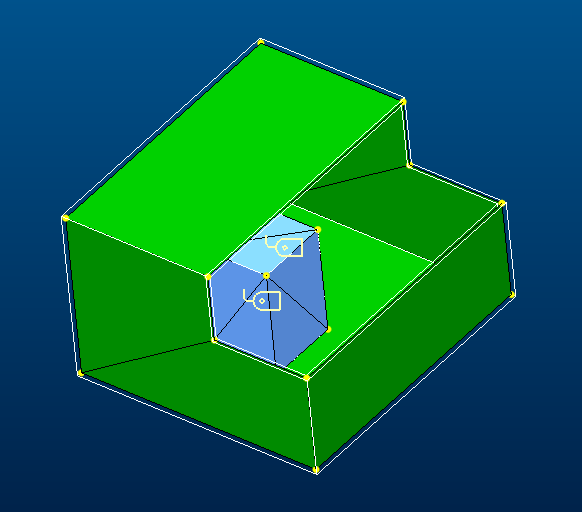
You can of course cut the part with an extrude feature and mesh it for visualization purposes, but you will have to delete/suppress that feature before you run the analysis.

I have done this here below (outer part with meshed with shell elements:

Capture3.PNG

Capture2.PNG

3 replies

lmarcos1-VisitorAuthor
1-Visitor
September 10, 2015

Thanks for your comment, but if I wish to do that when I have the mesh in the assembly displayed, How can I hide same of the components to see the mesh in hided parts?

1-Visitor
September 10, 2015

If I understand your question correctly, you want to look at the mesh of a specific part (hidden by other parts) before you run the analysis?

The way I wowuld do that is to mesh the inner part first, without meshing the outer part. When you use the AutoGem commant, do not mesh "All with properties". Instead, choose the option "Component volumes". Then pick the inner volume and mesh it. The result should look something like this:

Capture0.PNG

Capture1.PNG

The inner block is entirely inside the larger hollow cube. 

As far as I know, it is not possible to create a "section" to cut the mesh of the outer part, so that you can see what's inside the outer one.

You can of course cut the part with an extrude feature and mesh it for visualization purposes, but you will have to delete/suppress that feature before you run the analysis.

I have done this here below (outer part with meshed with shell elements:

Capture3.PNG

Capture2.PNG

lmarcos1-VisitorAuthor
1-Visitor
September 11, 2015

Thanks for all your comments. Now I have the solution for my "Problem".