Solved
Point on Center of Any Surface?
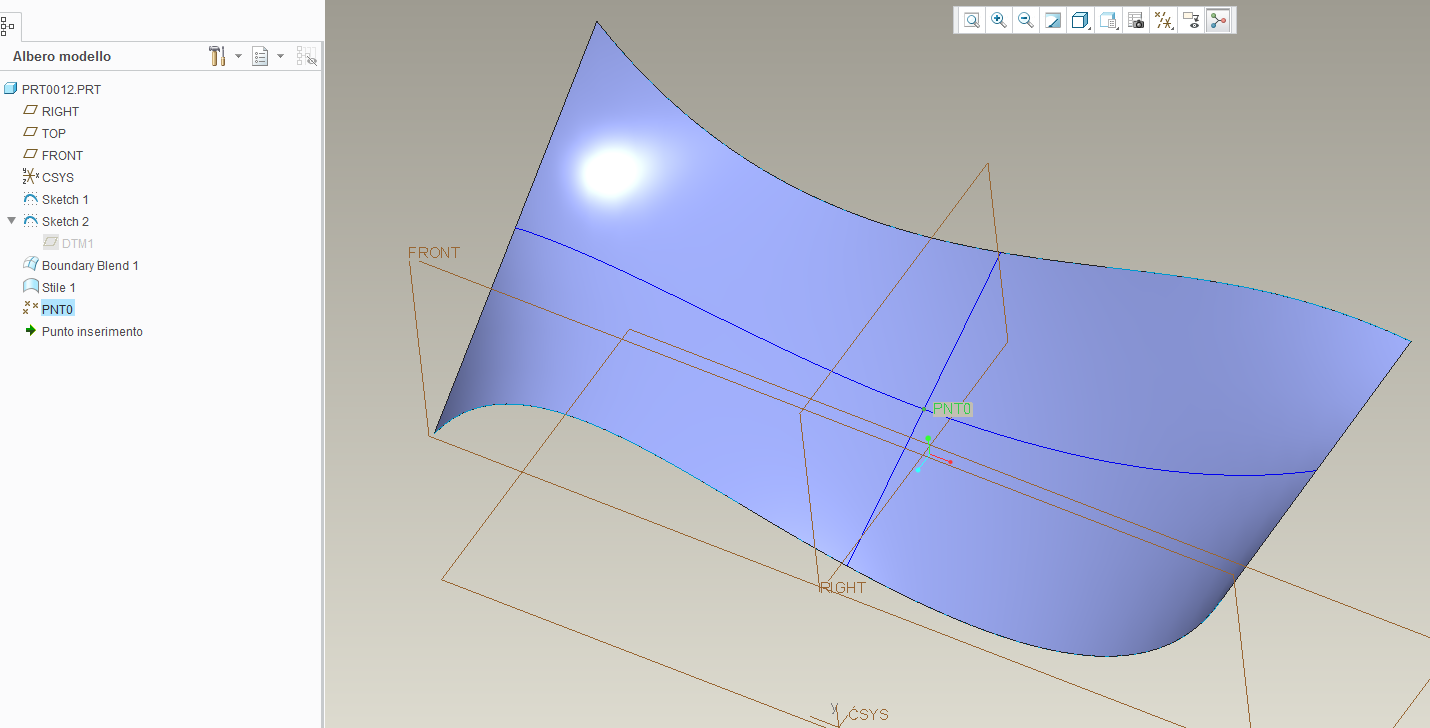
Is there a way in Creo to place a point, axis, or coordinate system at the U/V midpoint of any single surface?
Creo can place a point "on center" of a circular surface, but I would like to do the same thing with a rectangular surface.
NX has this ability. You can place a point on the center of any surface by giving it a .5 x .5 ratio of it's U/V lines. Is there anything like that in Creo?
If not, is it worth writing a product idea? Would you guys vote on it?
Thanks,
Dan
This thread is inactive and closed by the PTC Community Management Team. If you would like to provide a reply and re-open this thread, please notify the moderator and reference the thread. You may also use "Start a topic" button to ask a new question. Please be sure to include what version of the PTC product you are using so another community member knowledgeable about your version may be able to assist.