


Solved
Problem with geometric pattern failing
I am tring to basically create an inset grid on my part. What I want to do is simply create an "L" shaped cut and then us the geometric pattern tool to replicate this into a grid. I can add the two final sides then to complete it. My problem is that if I create the "L" shape with lengths 2.8" equal and then make the pattern at 2.8" intervals, it fails. It seems to want the sides to be.005" short so I get these little uncut section at each intersection. See below:
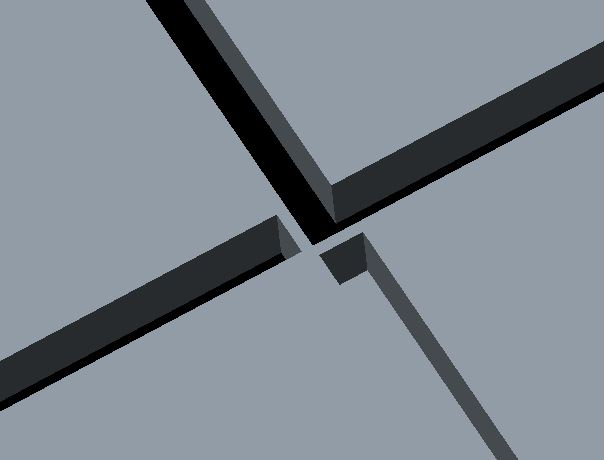
How do I make this work?
This thread is inactive and closed by the PTC Community Management Team. If you would like to provide a reply and re-open this thread, please notify the moderator and reference the thread. You may also use "Start a topic" button to ask a new question. Please be sure to include what version of the PTC product you are using so another community member knowledgeable about your version may be able to assist.