Solved
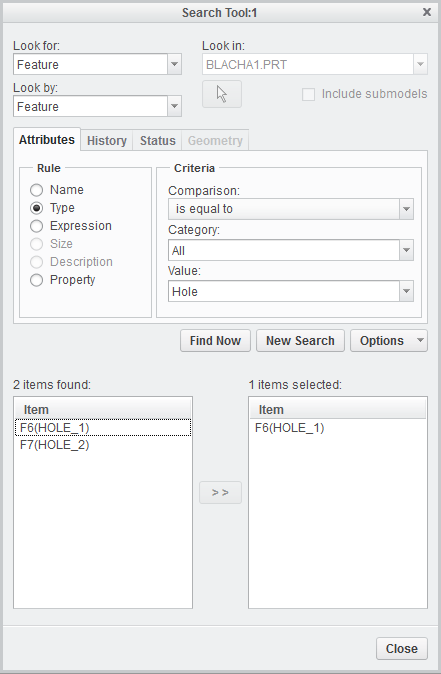
Searching for a hole feature
I got a yellow error while regenerating an assembly. It said Hole_105 lies outside the model or something to that effect. My problem is I don't know how to search for Hole 105.
And a side note, when I hit regenerate again that error doesn't come up again since my assembly has a green light. How should I make the assembly do a full regeneration so I can see the error again?
This thread is inactive and closed by the PTC Community Management Team. If you would like to provide a reply and re-open this thread, please notify the moderator and reference the thread. You may also use "Start a topic" button to ask a new question. Please be sure to include what version of the PTC product you are using so another community member knowledgeable about your version may be able to assist.