


Solved
Shade on edit dimension
Hi all!
In proengineer wildfire 5.0 when I selected a feature with right mouse button and then pressed edit, it showed dimensions with a black shaded background.
Picture bellow:
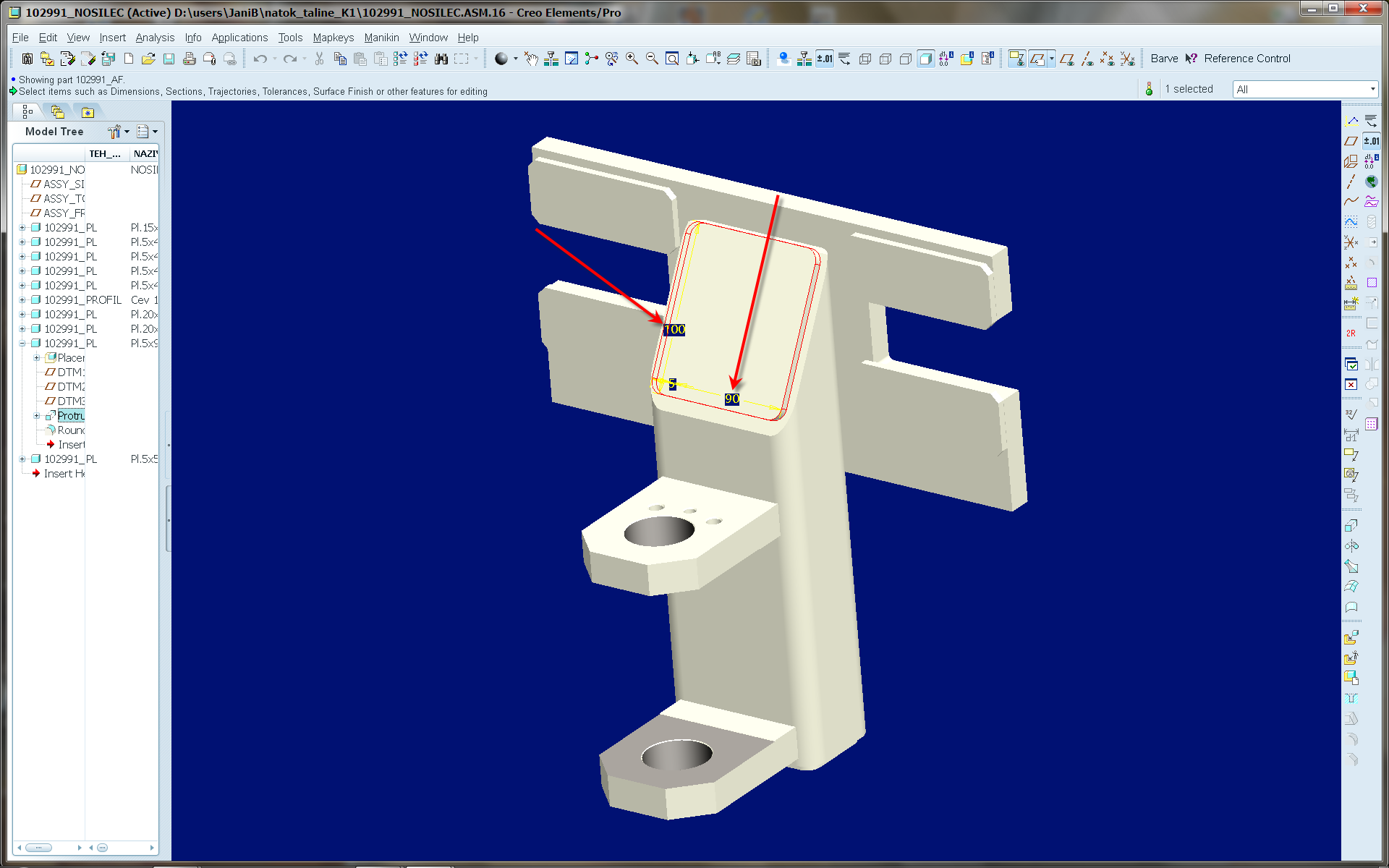
When I do the same thing in Creo 2.0 there is no shade on shown dimension and the dimension values are poorly visible.
Picture bellow:
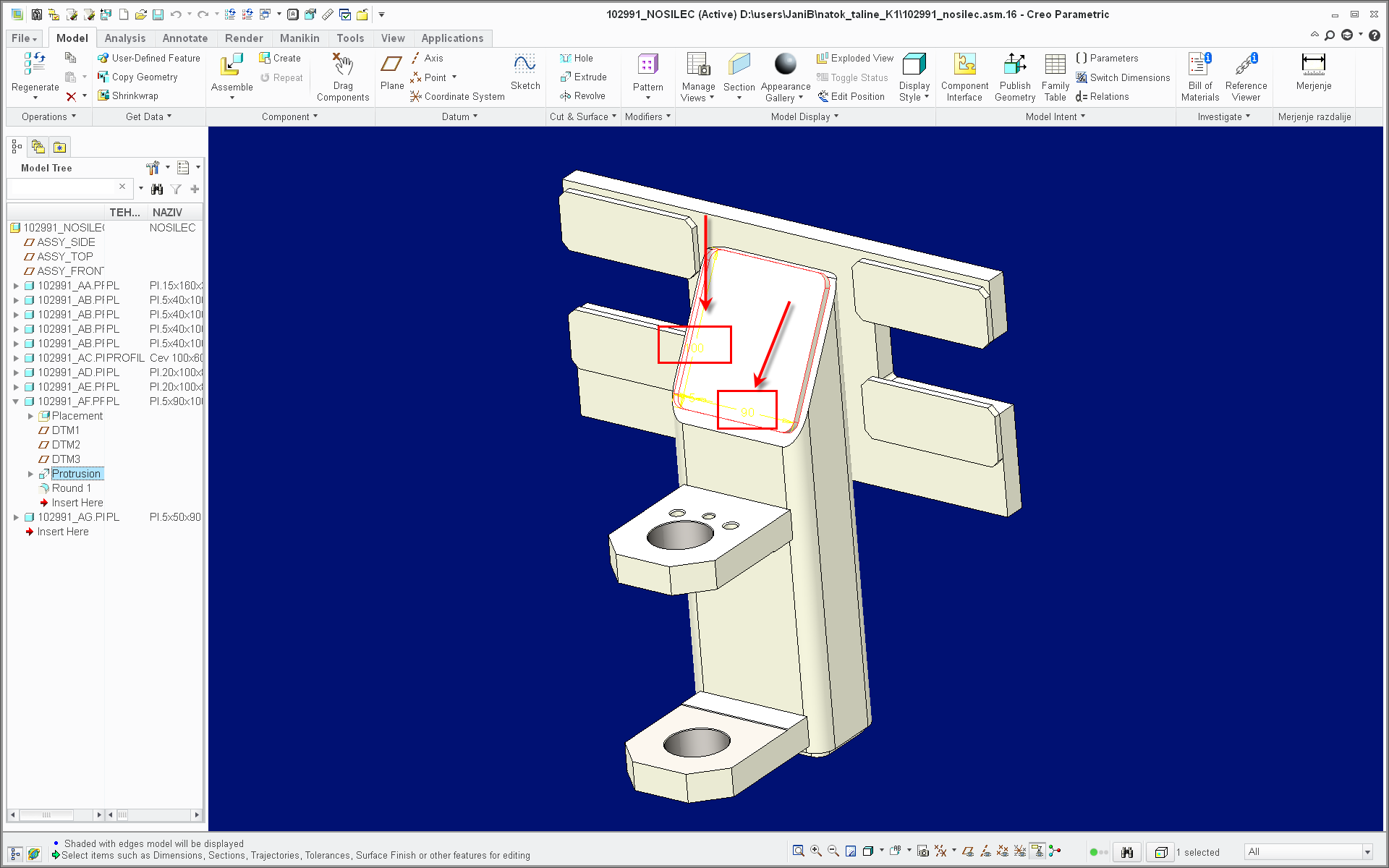
Is there a config.pro or any other option that will allow me to turn on this shading in Creo 2.0?
Thanks,
Matevz
This thread is inactive and closed by the PTC Community Management Team. If you would like to provide a reply and re-open this thread, please notify the moderator and reference the thread. You may also use "Start a topic" button to ask a new question. Please be sure to include what version of the PTC product you are using so another community member knowledgeable about your version may be able to assist.