


Question
To make propeller blade
Hi,
I am trying to make propeller blade in Creo 2.0 using surface and variable section sweep ,but i am not able to apply the pitch to the blade ,it's just coming along the same plane(flat propeller without pitch),it needs to have a twist(pitch), please make a video on how to do it or just give me some suggestions.
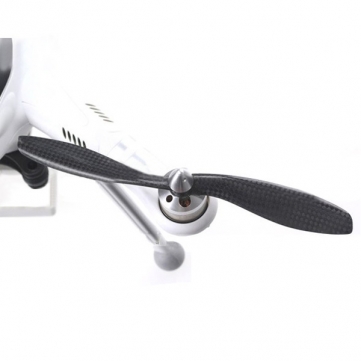
I think the problem is that when i draw two lines for the variable section sweep ,i draw them on the same plane but in order to get the pitch ,i need to draw them in such a way that they are not restricted to just one plane ,i don't know how to draw the lines that stretch from one plane to another(parallel) plane ,i.e i need to draw the lines in 3 dimensional space ,how to draw it?
This thread is inactive and closed by the PTC Community Management Team. If you would like to provide a reply and re-open this thread, please notify the moderator and reference the thread. You may also use "Start a topic" button to ask a new question. Please be sure to include what version of the PTC product you are using so another community member knowledgeable about your version may be able to assist.