Solved
Using relations to create a datum plane
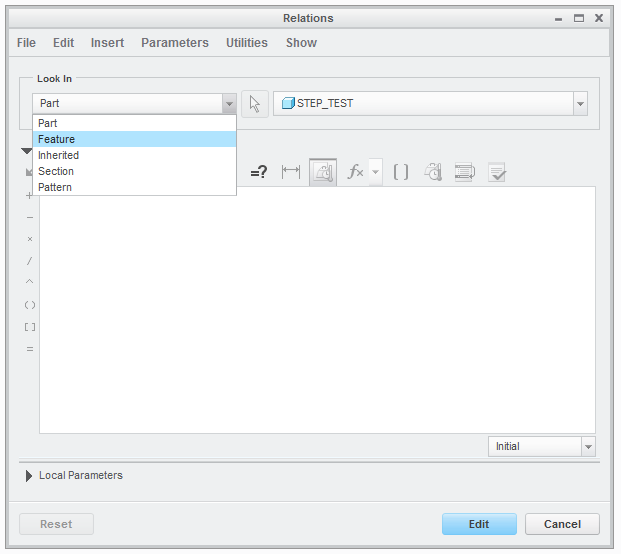
I have created a datum using a 'Feature Relation' and I would like to know where this reference is saved. For example I have created a datum from another datum and set the distance as 'D2/2' and pressed enter. This then displays another box saying 'Do you want to create a feature datum' which I selected yes. Now the problem is that I have since redefined this datum and just simply entered the correct distance but when I save my model I get a relations error and I cannot find the dimensions which are identified by this error. I have checked the Relations box and this particular relation is not shown, any ideas where I could find this?
This thread is inactive and closed by the PTC Community Management Team. If you would like to provide a reply and re-open this thread, please notify the moderator and reference the thread. You may also use "Start a topic" button to ask a new question. Please be sure to include what version of the PTC product you are using so another community member knowledgeable about your version may be able to assist.