Solved
Variable Chamfer/ swept blend tool help
Hi everyone,
I am wanting to do a variable chamfer but I don't think Creo has that feature as yet.
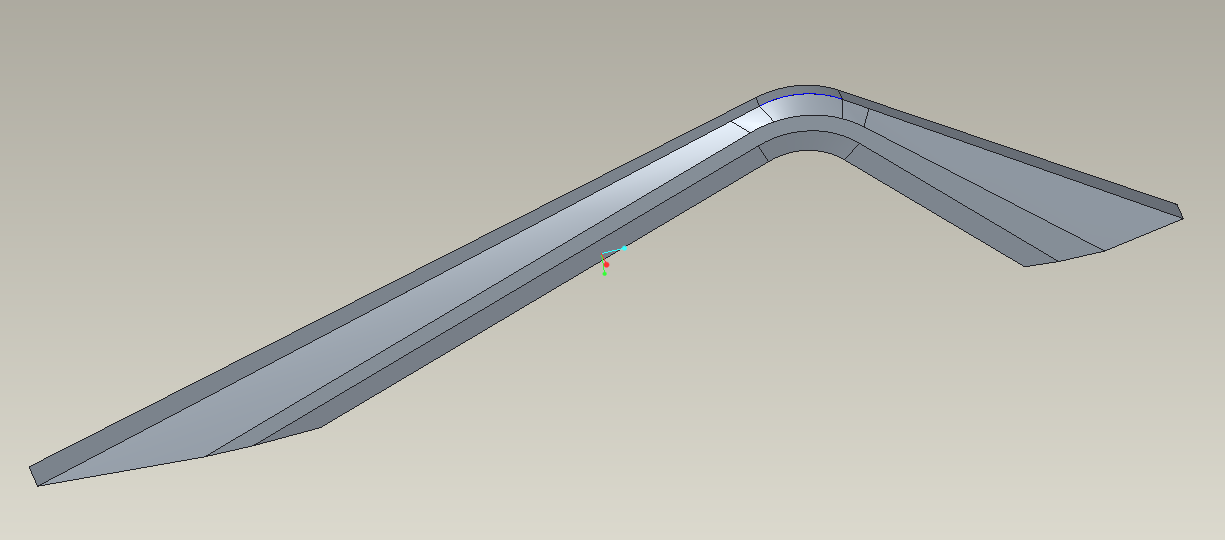
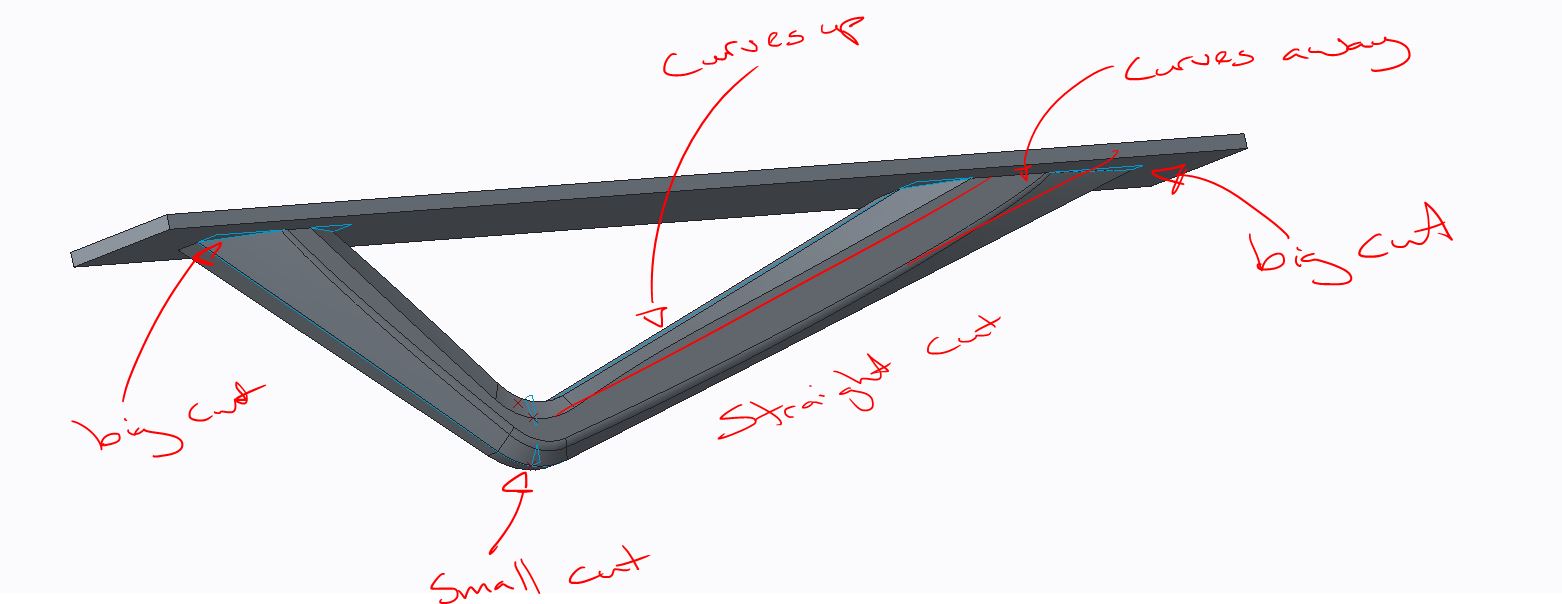
So I have tried to use the swept blend tool instead. However it's not following the path I want. I want the section sketches to follow the edge of the part.
Picture below shows three sketches and path
How do Stop the cut from curving away?
If it's possible to used the chamfer tool it would make life a lot easier.

This thread is inactive and closed by the PTC Community Management Team. If you would like to provide a reply and re-open this thread, please notify the moderator and reference the thread. You may also use "Start a topic" button to ask a new question. Please be sure to include what version of the PTC product you are using so another community member knowledgeable about your version may be able to assist.