Hi Erik
Thank you for this.
Your API router does run on port 9800 (probably set this way by the installation because the usual port 80 is already taken), so you should not change to port 80 in the properties file.
I initially thought that you created the nginx container yourself on port 9800, so I meant to re-create it on port 80 (and have properties files in sync with that). I understand now that this has been done by the installer itself.
You can check https://www.ptc.com/en/support/article?n=CS273969 as there are indeed other settings in system-environment-variables.properties to change to reflect the port. This should help for some of the problem however it seems that the filter issue still remain ... at least in my case.
So to summarize:
- the port used in properties file mentioned in Article Viewer | PTC should match the port of the nginx container
- if you can change ThingWorx (as I guess it is the one to use port 80) from port 80 to something else and reinstall ThingWorx Analytics on port 80, that should give you better behaviour
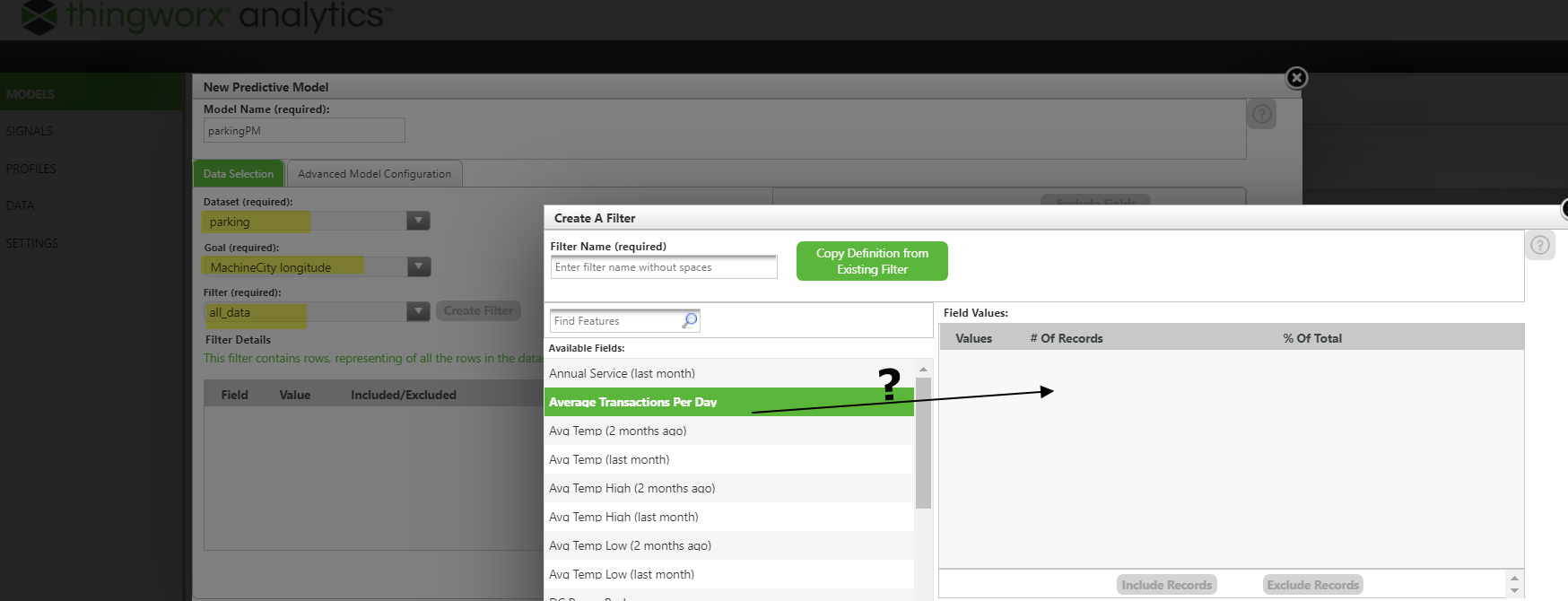
- I am still investigating the issue with filter when the port is not 80
Thank you
Kind rgerads
Christophe