Hi Seonho Cha,
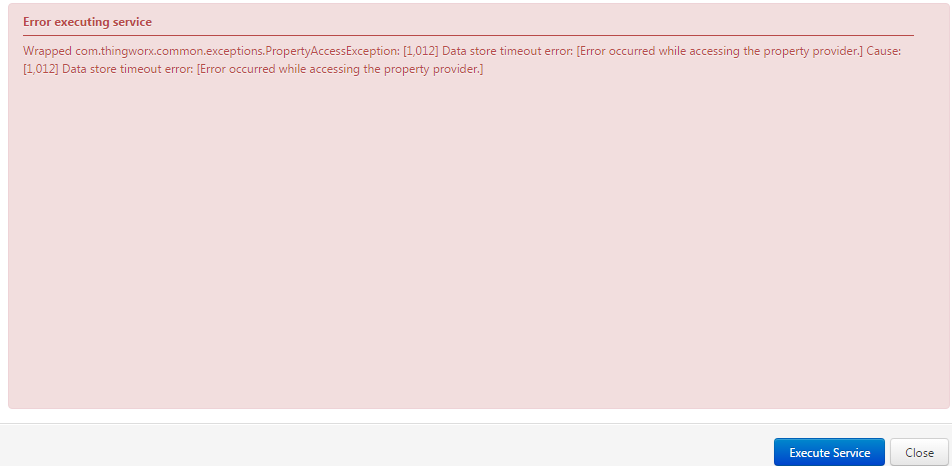
The error message you saw here may be a little misleading. To check exactly what's the issue, you could try to enable stack trace.
will contain the underlying reason for the error.
- To further troubleshoot the error, enable Stack Tracing on the LoggingSubsystem:
- From Composer, select System > Subsystems > LoggingSubsystem
- Select the Configuration page
- Check (enable) the Enable Stack Tracing option checkbox
- Click the Save button.
- With Stack Tracing enabled on the Logging Subsystem, additional information will be logged to the ErrorLog.log file when the error occurs again.
- This file is only accessible from the ThingWorx server's file system; it is not available in the Log Viewer Mashup.
- A number of exception call stacks will be logged for this error at the same timestamp. Generally, the first exception in the set will contain the underlying reason for the error.
After stack trace enabled, you could also attach the ThingWorx error log file here.
Thanks,
Br,
Anna