

Solved
How to set the start and end position of the map line?
Hello everyone
I can't display the starting position and the end position when using the route function of the map. How do I set it?
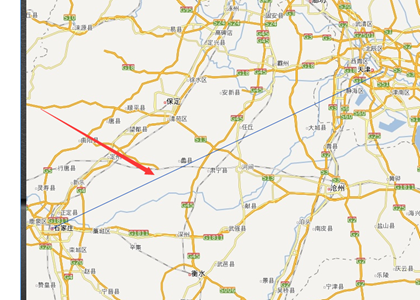

Hello everyone
I can't display the starting position and the end position when using the route function of the map. How do I set it?
Hello Mr.Liang,
It seems that you can draw the line using the Route in Map, so you might be asking for the Start and End location marker.
If you are binding data to Data in Map, and configure it like this 
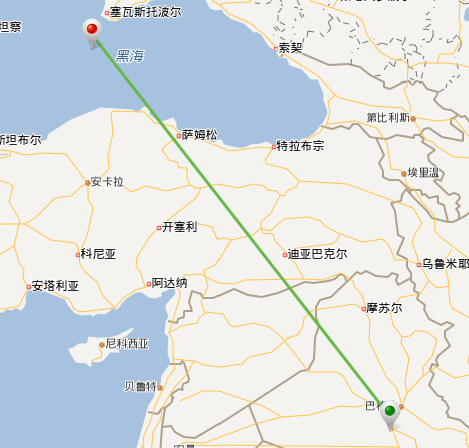
But the Markers could not show in the Route and Region.
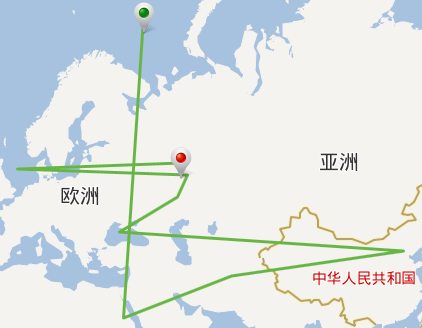
And if you are using the same set of configuration: ShowPath, ShowStartMarker, ShowEndMarker, you can still get what you want.
No account yet? Create an account
Enter your E-mail address. We'll send you an e-mail with instructions to reset your password.