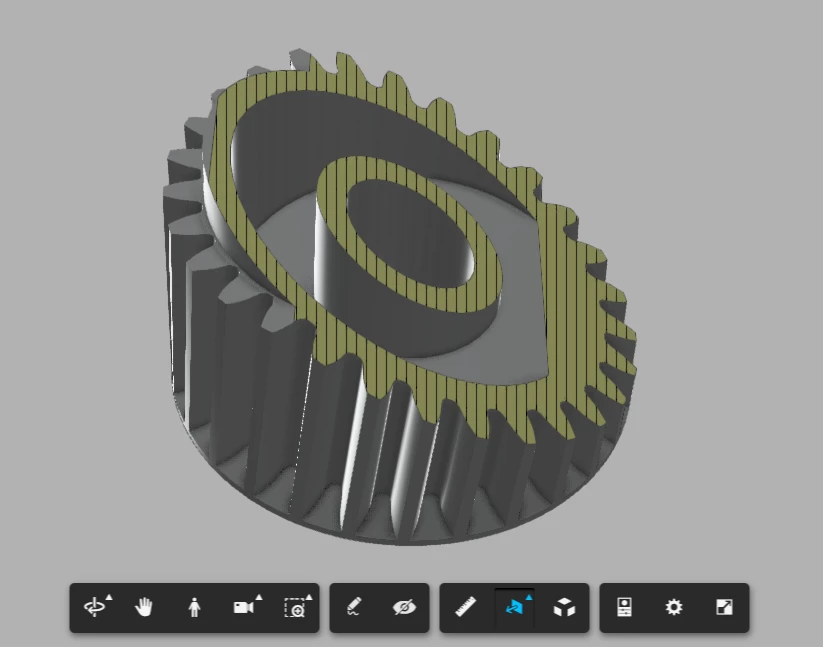
Hello @dsgnrClarK ,
addtional to the mention things in the posts - if I will have such problem- I will try the following:
Supposing you have the files in Creo Parametric.
Create in Creo parametric an assembly cut feature which will cut the model on the same way as the cut which you want to display in Vuforia Studio - example for section:
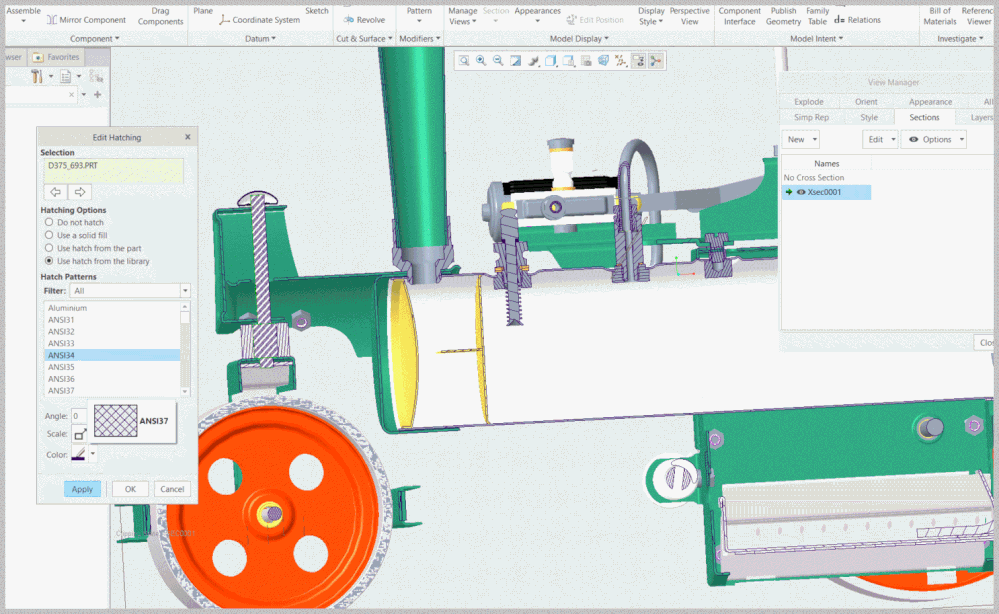
So, the cut unfortunately could not be used in vuforia studio -> it could be displayed in Creo View / as annotation view / also in Creo Illustrate but not in vuforia View (or not yet - I hope may be, in future release)
So to have the same cut we have to create in Creo an assembly cut which will remove a geometry:
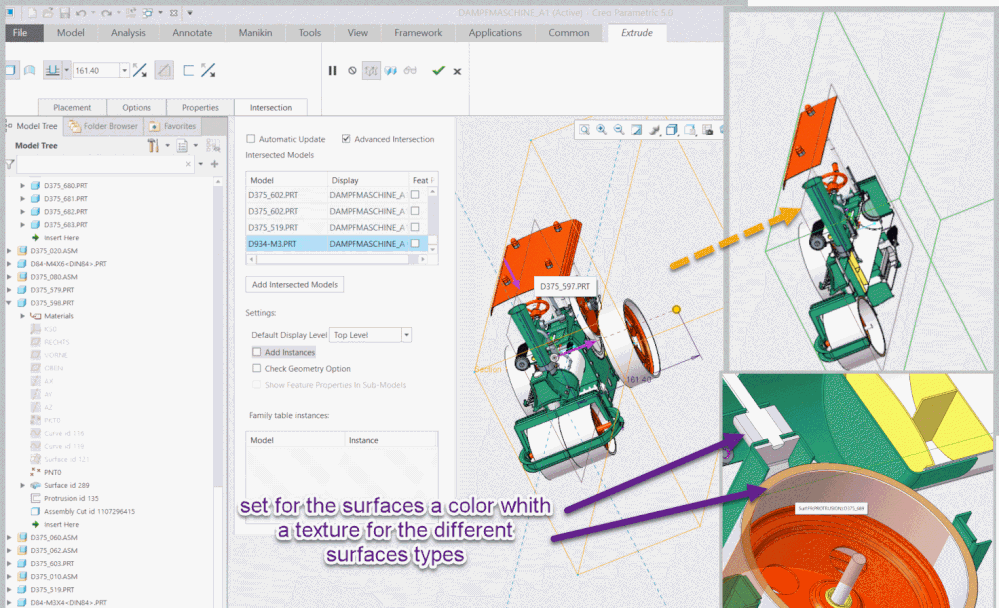
So we will have to correct view of the section but without any hatch display on the cut surfaces. I think, we can try to do this by setting some Model Appearances based on textures:
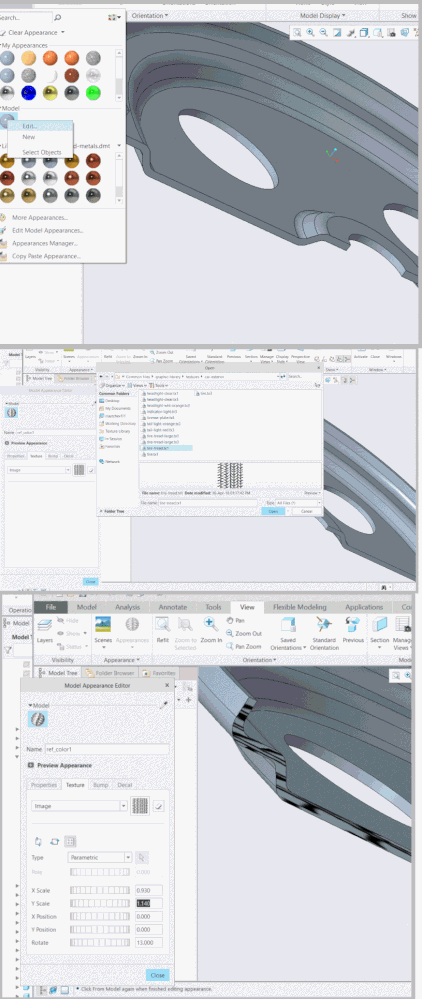
In this case the hatch is a texture which should display the desired hatch pattern. So after some attempts, may be we will get successfully the desired appearance of the model with section (of course requires some additional work - for example to define a model appearance with hatch , but when we define this one time it could be reused later)
So then we will have 2 models the one is without hatch and the section model - so we can load 2 models in Vuforia studio and make the one visible and the other one invisible or set the source property of the model to the desired pvz file.
Another point is that we have to pay attention that the texture will be available in the Studio as mention in the post publishing image (jpg, png, etc) into AR experience